

Artwork guidelines.
Every order gets a free artwork check by a real designer before it reaches the printer. Work through the four steps below and your job goes straight to press — miss something and we'll tell you before we charge you.
Specifications last reviewed Free proof on every job
 01
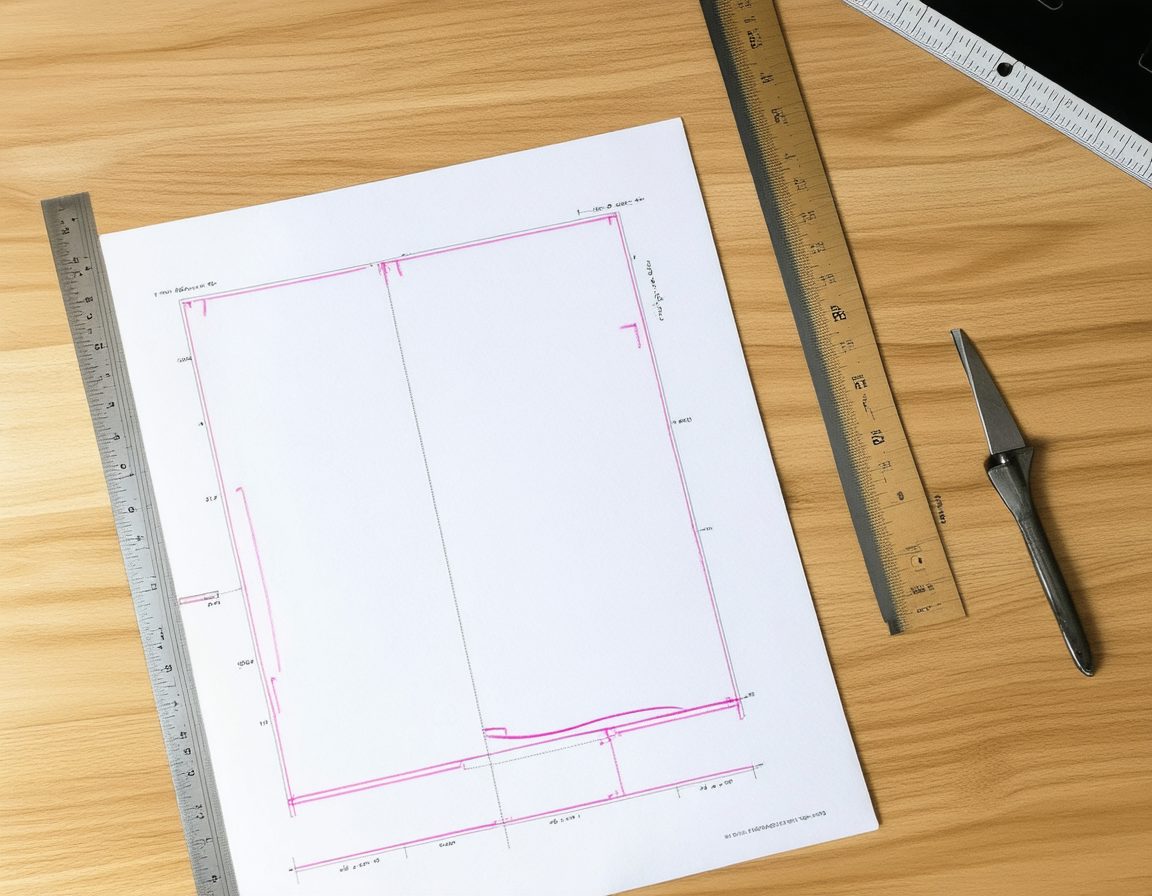
01Set your page up
Start with the right canvas size, bleed and safe area.
- Offset and digital press work — 3 mm bleed on every edge.
- Wide format and signage — 10 mm bleed on every edge.
- Keep live text 10 mm inside the trim on wide format.
- Do not add crop marks or registration marks.
- Outline all fonts, or package the font files with the job.
 02
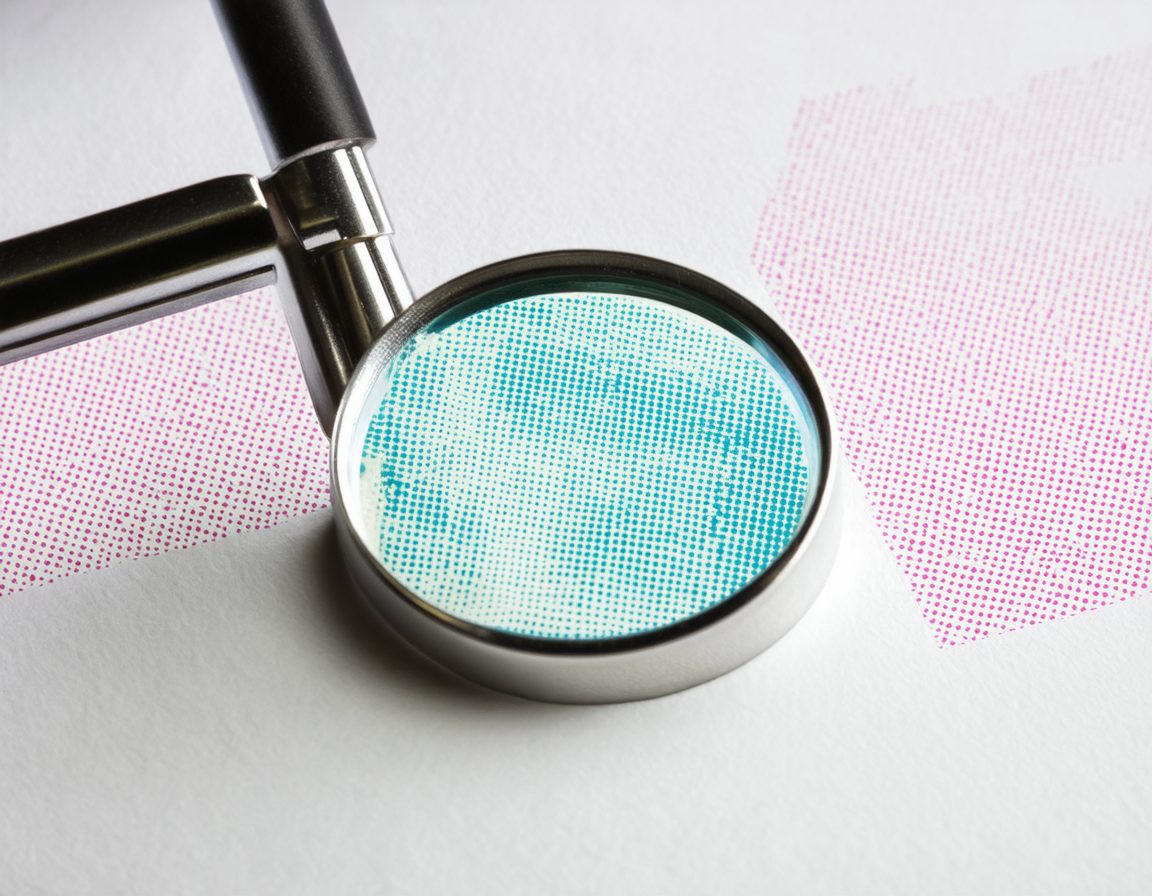
02Check your images
Make sure every photo is sharp at the size it will actually print.
- 300dpi at final size for anything A2 or smaller.
- 150dpi at final size for anything larger than A2.
- Build very large signage at 1:10 scale, then tell us the scale.
- Never upscale a low-resolution image to hit the number.
- Embed images rather than linking them.
 03
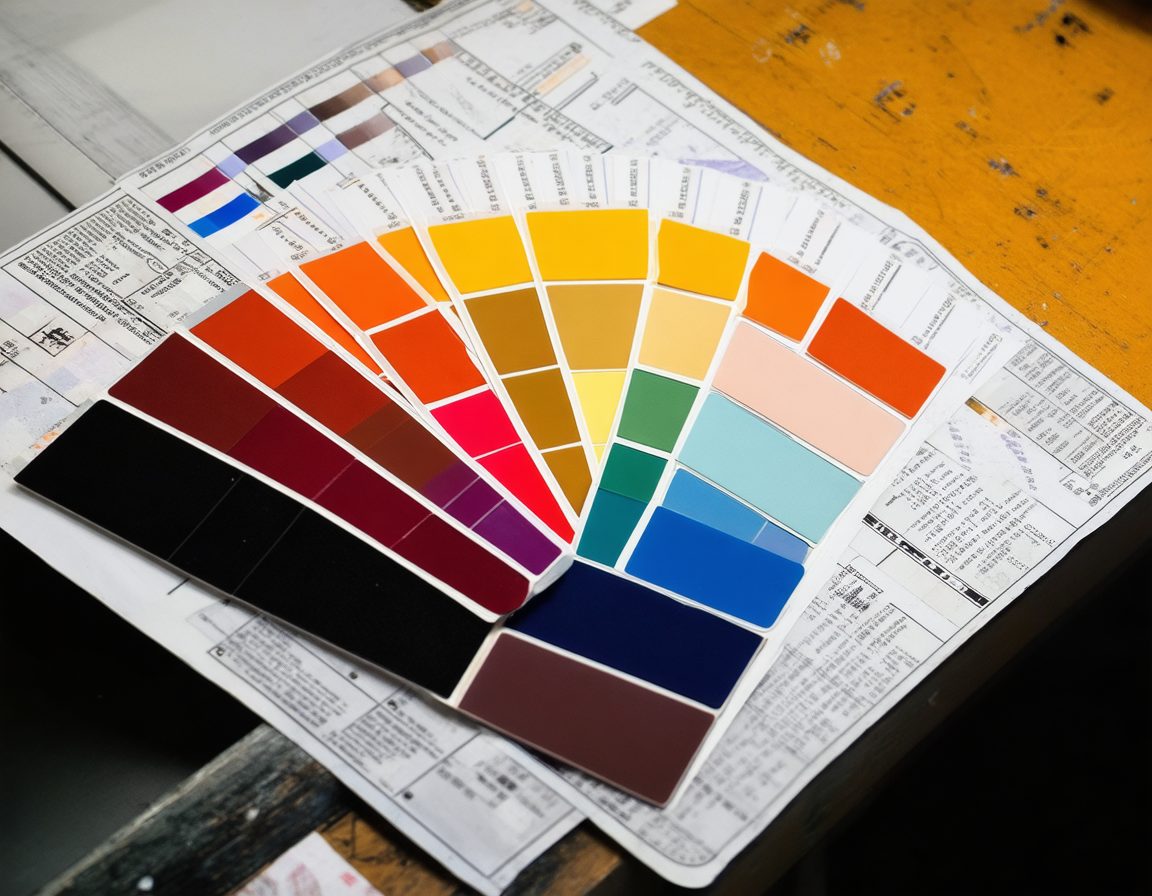
03Get the colour right
Convert to CMYK yourself so nothing shifts on the way to the press.
- Supply in CMYK, with spot colours called out where required.
- Convert RGB images before you send — automatic conversion shifts colour.
- Rich black for large fills: C40 M30 Y30 K100.
- Screens are backlit, so expect roughly 5% commercial tolerance.
- Avoid hairline rules under 0.25pt — they may not hold on vinyl.
 04
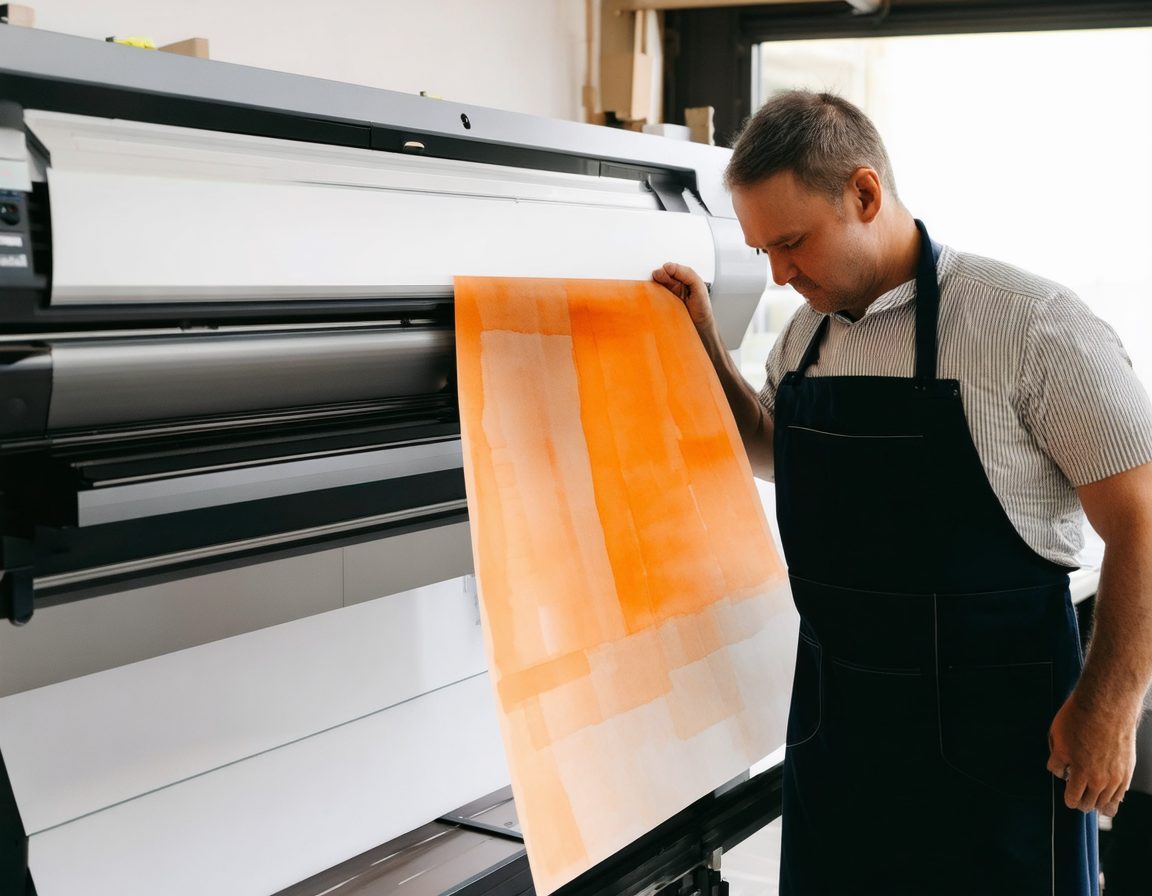
04Send it — we proof it free
A real designer checks your file and sends a proof before anything prints.
- Attach your files directly to a quote request, or email anything under 20MB.
- For bigger files use WeTransfer, Dropbox or Google Drive and send the link.
- Put your order number in the subject line so it reaches the right job.
- We check bleed, resolution, colour and fonts before the job is charged.
- Nothing goes to press until you have approved the digital proof.
Accepted file formats
Preferred — flattened, LZW compression
Press Quality preset, fonts embedded
Fonts outlined, links embedded
Packaged with fonts and links
Layered or flattened, CMYK
Maximum quality, no re-saving
Sending large files
Email anything under 20MB to info@irissigns.co.nz with your order number in the subject line. For bigger files use WeTransfer, Dropbox or Google Drive and send us the link — or attach them directly to a quote request.